Best Valor Mortis graphics settings for no lag and max FPS
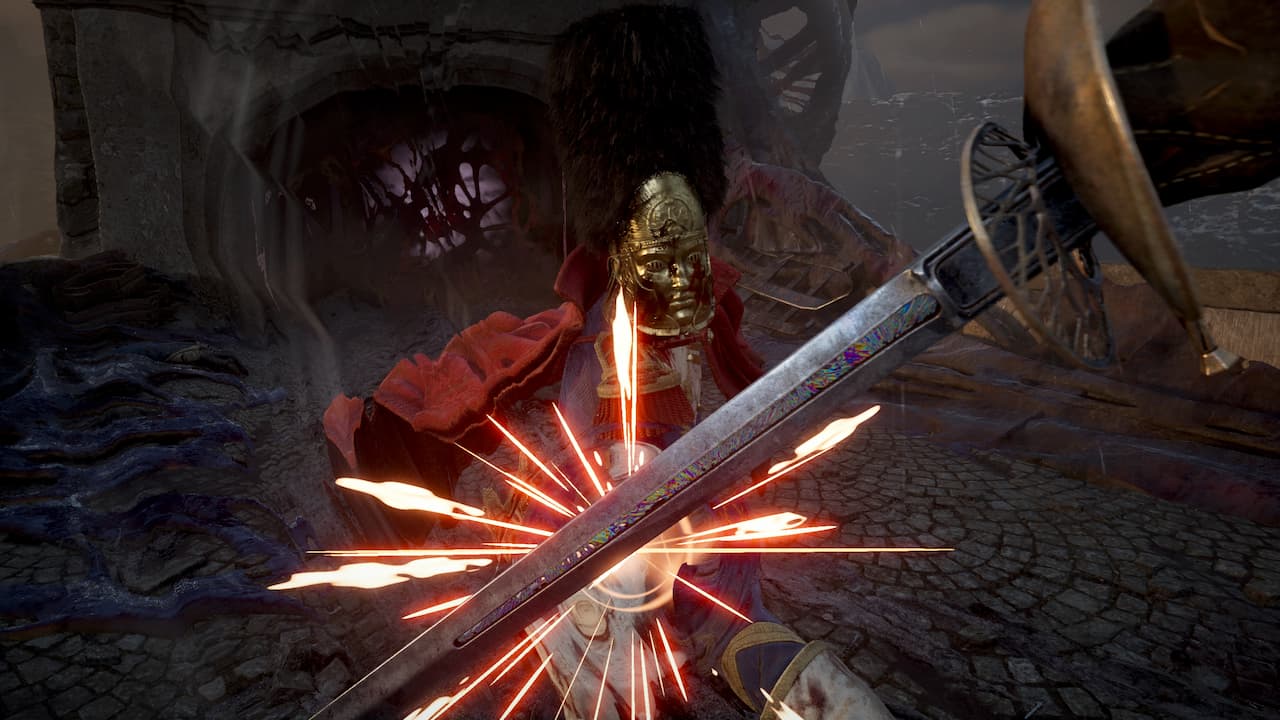
Valor Mortis is now available on PCs, and your first task is to get the best graphics settings for your device. Playing as Napoleon’s undead is no mean job, and it can get more difficult if you’re encountering lag and stutters. In this guide, I will go through two separate sets of settings you can use. Here’s a rundown of my specifications before I discuss the best settings. The table below has two different sets of settings. The first set is for those whose systems are closer to the minimum requirements.
You are reading an excerpt. Destructoid wrote and owns the full article.
Continue reading at destructoid.com